My bookings
Details, payment, pending forms and date changes.

You can change it at any time from the menu.
From their account, your customers see their bookings, change the date if you allow it, share the birthday invitation and manage their waivers.
Included in the Basic plan · 99 €/month + VAT
See prices and packsDetails, payment, pending forms and date changes.
Their children and companions saved for next time.
Which documents they have signed and which are still missing.
Points, rewards and their invitation code.
The account sits inside your online shop, so your customers never need to download an app. They open it in their phone's browser and find everything they have with you in one place.
It is particularly useful for trampoline parks, indoor playgrounds, family entertainment centres, climbing walls and party venues, where one adult often arrives with several children and visits again and again. A few practical tips:
The customer account is not a standalone add-on: it shares the same customers, products and bookings as the rest of the platform. Signatures collected with digital waivers appear in the account; points, rewards and the personal referral code come from your loyalty club; and anyone who buys multi-visit passes can see how many visits they have left.
On your side, the team checks each customer's record in the dashboard, with their details, bookings, till purchases, waivers, passes and points. And when guests arrive, the POS shows who has signed and who has not.
No. The account lives in your online shop and works in any mobile browser.
Yes, if you allow it on the product. You decide how much notice is required and how many changes are permitted.
No. They can sign up without one; if they do have an account, they log in and choose their saved children.
No, not while the same version of the document remains current. Their account shows which documents are signed and which are still missing.
The customer record in the dashboard brings together their details, bookings, till purchases, waivers, passes and points.
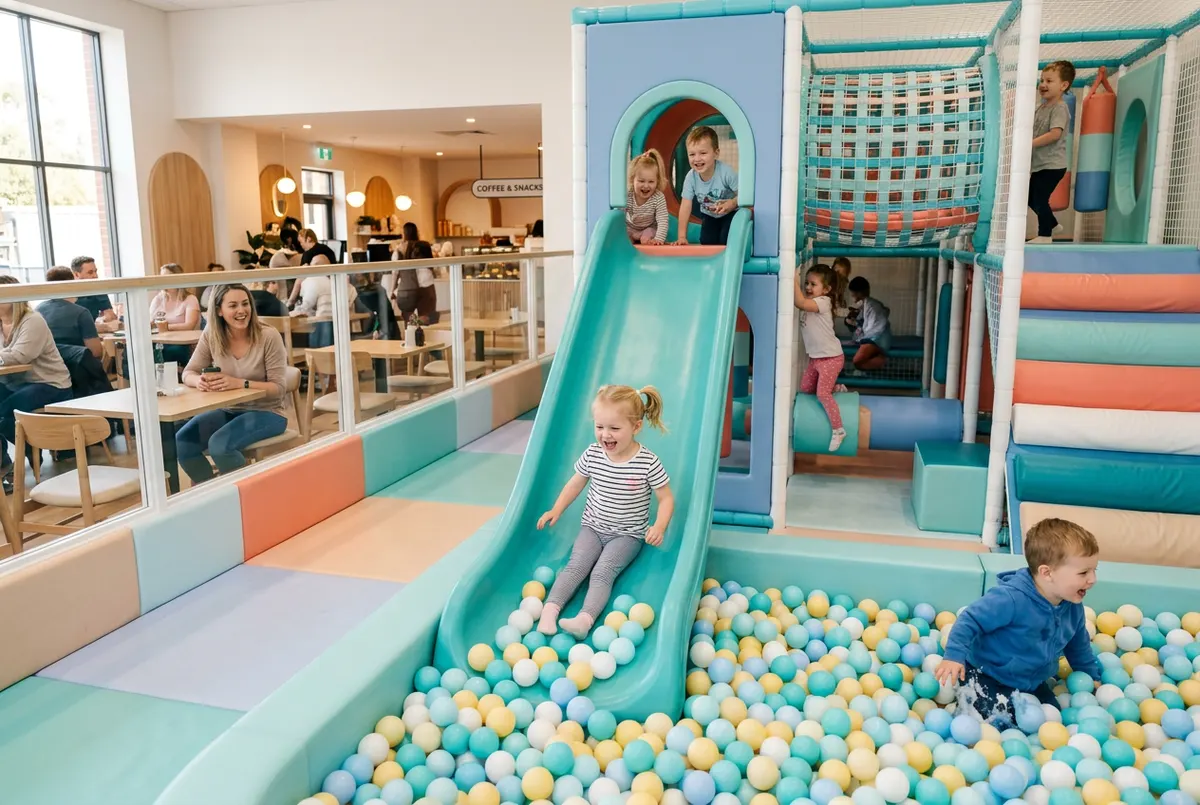
Points club, referral codes, visit passes and multi-visit passes: practical ideas to bring families back to your leisure venue again and again.
Read article →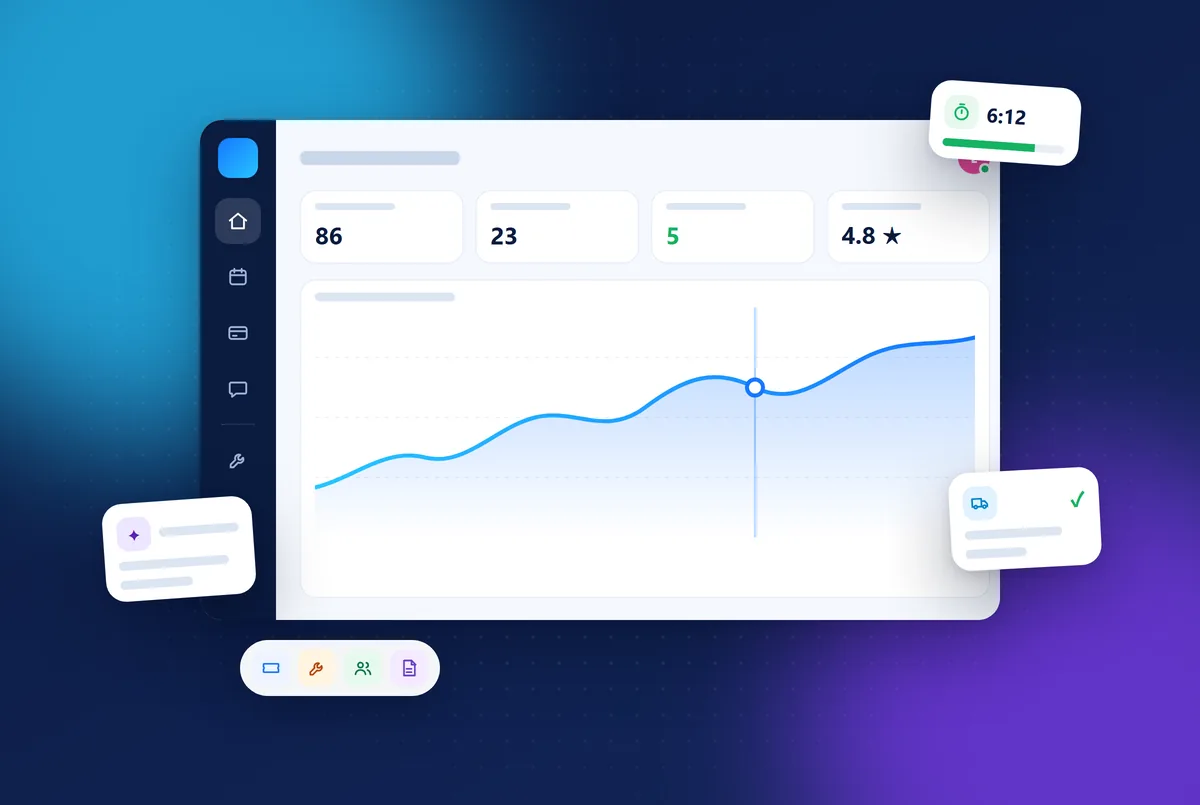
Uelta is booking, POS and birthday party software for trampoline parks, soft play and leisure venues. Key features, languages and a 7-day free trial.
Read article →
How to write a trampoline park business plan: market, location, session revenue, opening and running costs, risks and a checklist before you open.
Read article →7 days free with every feature. After that, from €99 a month + VAT with no lock-in: you only add the modules you need. Prefer to see it with us first? We’ll show you in 30 minutes.