Group appointments
Group details, contact, headcount and notes.

You can change it at any time from the menu.
Record school trips, camps and corporate events with their date, number of people and status, and keep them in the venue’s calendar.
Also in: Pro packMulti-venue pack
The real panel screen with sample data and, next to it, what your customer sees on their phone.
Demo with sample data: nothing is saved or downloaded.
Group details, contact, headcount and notes.
Alongside bookings and the rest of the venue’s activity.
Pending, confirmed, completed: the whole team knows where things stand.
Group visits follow a different rhythm from walk-in tickets: they are discussed weeks ahead, change several times and then arrive all at once. That is why each group in Uelta is an appointment with its own record, which you follow from the first enquiry right through to the day of the visit.
It is designed for venues that host school trips, summer camps, corporate events or large celebrations: trampoline parks, climbing walls or family entertainment centres with several attractions.
Group appointments share the calendar with online bookings and birthday parties, so your front desk has a single view of the day. If your activity requires a liability form, digital waivers let each adult sign on their phone via a QR code at reception, including for the minors in their care. And with the roles and permissions in team operations, each member of staff only sees and does what is relevant to them.
Yes. Groups can submit a request through a web form; you then prepare the proposal and follow the appointment through to the day of the visit.
Pending, confirmed and completed. That way the whole team knows where each group stands without having to ask.
Yes. Group appointments appear in the venue calendar next to bookings and the rest of the venue's activity.
No. You can log school trips, holiday camps, corporate events and celebrations, each with its details, contact, number of people and notes.

A daily indoor playground safety checklist: what to check before opening, during the day and at closing, and what to do when something fails.
Read article →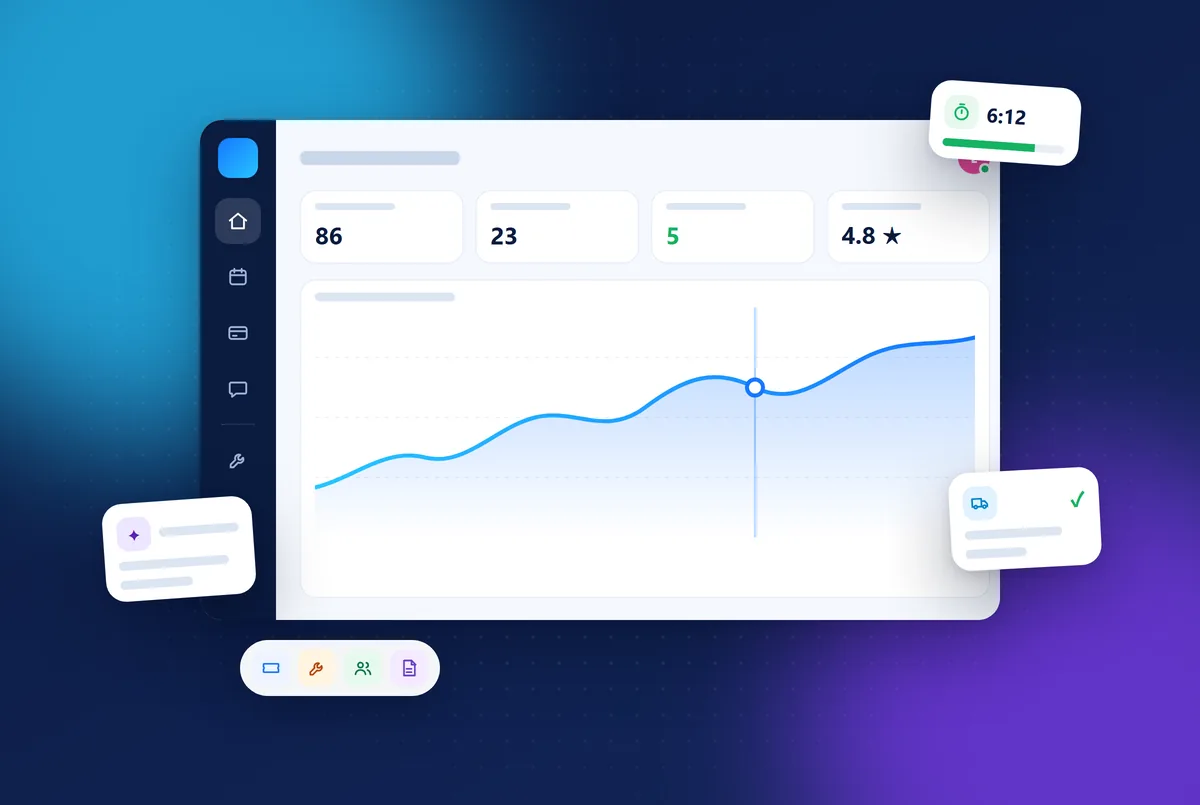
Uelta is booking, POS and birthday party software for trampoline parks, soft play and leisure venues. Key features, languages and a 7-day free trial.
Read article →
How to write a trampoline park business plan: market, location, session revenue, opening and running costs, risks and a checklist before you open.
Read article →7 days free with every feature. After that, from €99 a month + VAT with no lock-in: you only add the modules you need. Prefer to see it with us first? We’ll show you in 30 minutes.