In, break and out
A button in the top bar with today’s time always in view: green working, amber on a break, grey out.

You can change it at any time from the menu.
Everyone on your team clocks in, takes breaks and clocks out from the panel, on their phone or computer. The time is set by the system and the records are kept for four years, as Spanish law requires.
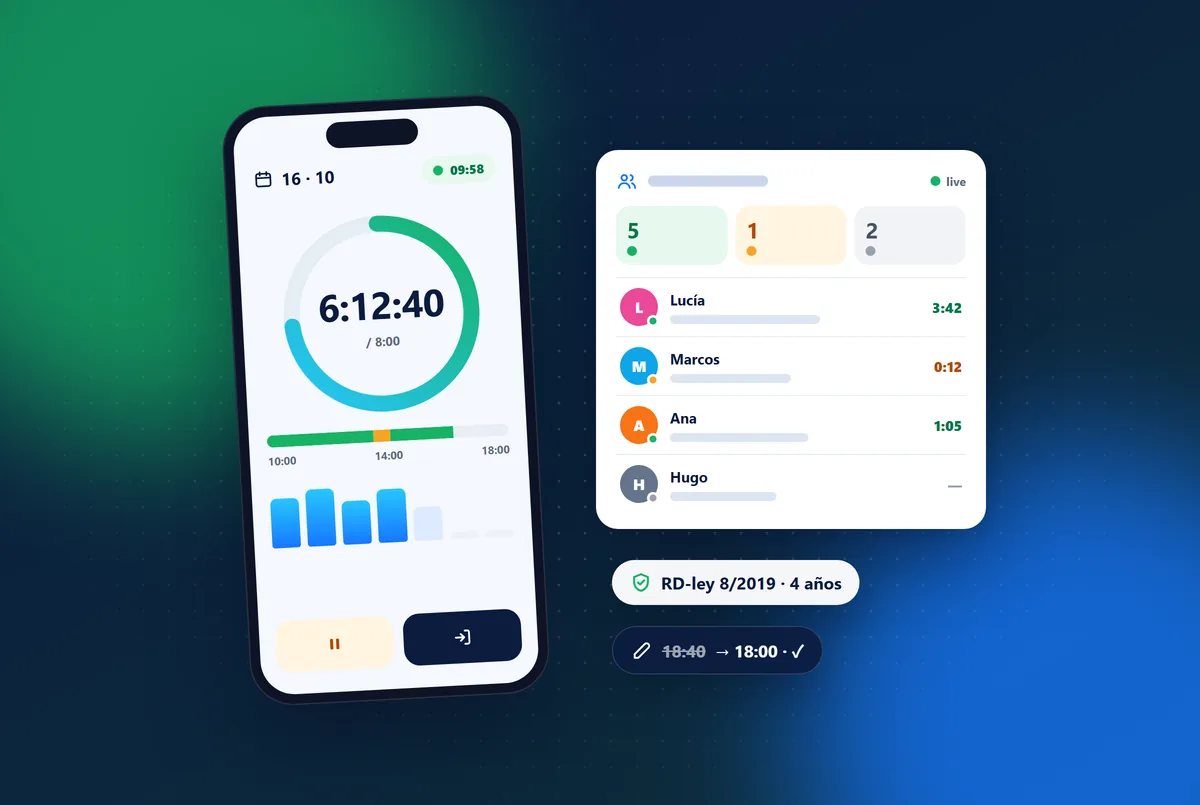
The real panel screen with sample data and, next to it, what your customer sees on their phone.
Demo with sample data: nothing is saved or downloaded.
A button in the top bar with today’s time always in view: green working, amber on a break, grey out.
Who is working, who is on a break and who has not started at each venue, live.
Nothing is deleted: managers add or void entries with a reason and the history shows who, when and why. The person is notified.
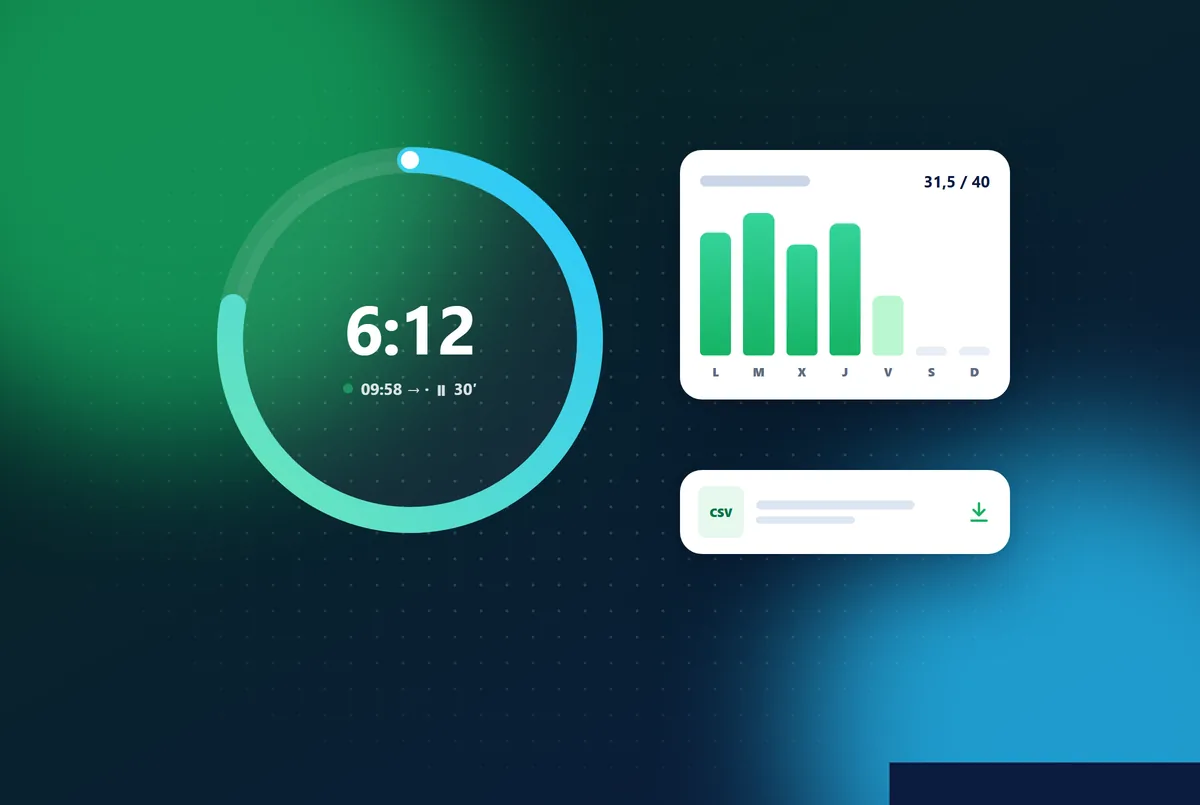
Filter by person, dates and venue, and export to CSV for your accountant or an inspection.
Weekly hours for each person (their own or their contract’s) to compare planned and worked time.
If someone forgets to clock out, the day is flagged “No clock-out” without inventing times, and their manager completes it with a reason.
Whoever manages the staff sees their venue’s team live; head office can pick the venue. The screen refreshes on its own.
In, break, back and out from the panel, on a phone or computer.
Team now shows every venue live.
Each correction stays in the history and the person is notified.
Records by person and dates in CSV.
In Spain, yes. Since Royal Decree-law 8/2019, employers must record the start and end time of each person’s working day, every day, and keep those records for four years, available to staff, their representatives and the Labour Inspectorate.
No. Each person clocks in with their own account from a phone or computer browser, and the time comes from the server, not the phone.
Everyone sees their own. Whoever manages the staff sees their team and can correct entries, always with a reason; people outside head office only see the staff of their own venues.
Time tracking is part of the Staff and HR feature, together with staff records, contracts and holidays.
What Spain’s mandatory working-time record means for a leisure venue, the usual mistakes, and how staff can clock in from their phone across shifts.
Read article →
How to sell indoor playground tickets online and have parents sign a digital waiver on their phone: steps, GDPR points and mistakes to avoid.
Read article →
The security risks of old, locally installed venue software and a step-by-step plan to migrate your leisure venue to the cloud without losing data.
Read article →7 days free with every feature. After that, from €99 a month + VAT with no lock-in: you only add the modules you need. Prefer to see it with us first? We’ll show you in 30 minutes.