Time-based rules
Colours that rotate according to entry time and duration.

You can change it at any time from the menu.
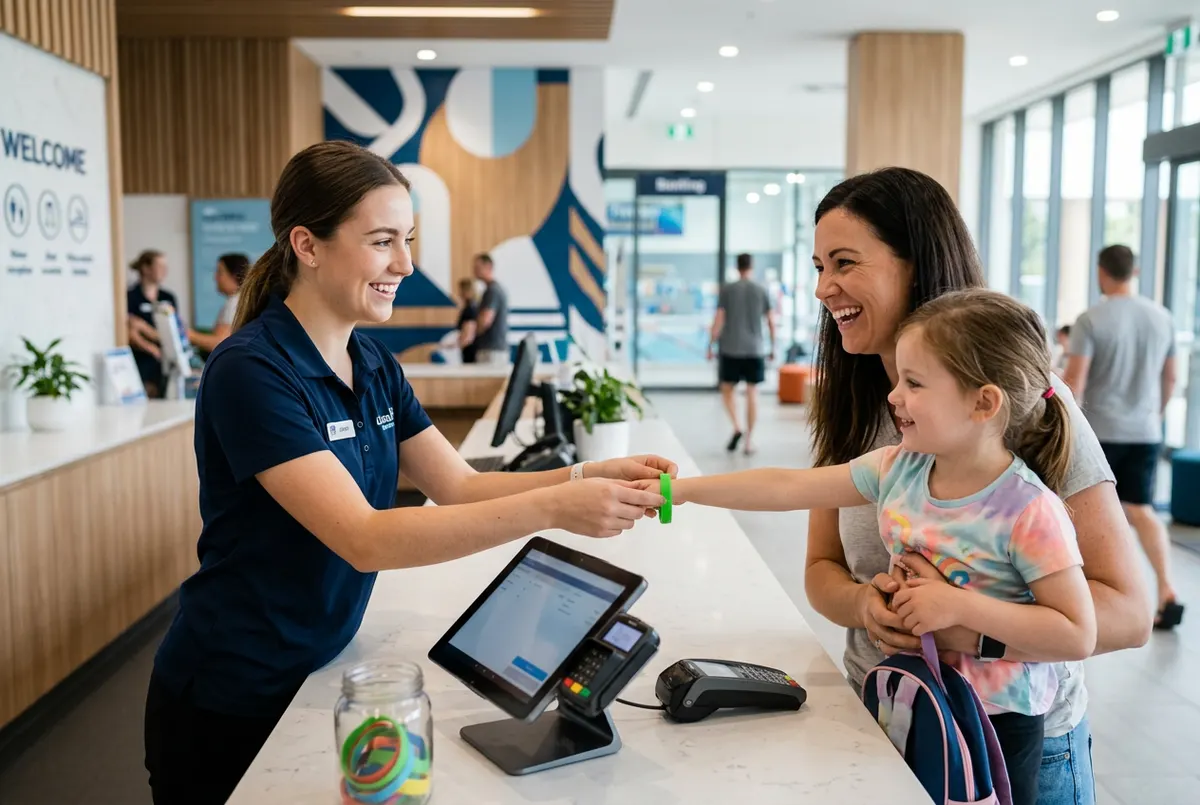
Define which wristband colour belongs to each session. The POS shows it at checkout and a screen on the floor shows which colours are finishing.
Included in the Basic plan · 99 €/month + VAT
See prices and packsColours that rotate according to entry time and duration.
For birthday parties or unlimited time, outside the rotation.
Zones and attractions with their capacity per session.
Wristband rules and capacity control share the same foundations: your venue's opening hours and the products you sell. Here is how it comes together:
The limits you set are not kept in a separate spreadsheet. Your online shop only shows days and times with space available, so you never sell more than you can fit. When someone rings or messages on WhatsApp, your team creates the booking from the dashboard, seeing each hour's occupancy before confirming.
Because zones are set up separately, a small-capacity attraction can sit alongside a large open area without one blocking the other, and a party room can be booked without taking places from the general session.
It is built for venues that essentially sell time and space: trampoline parks running 60 or 120-minute sessions, indoor playgrounds with timed entry, or centres with several attractions.
No. At checkout the POS shows which colour to hand over based on entry time and product, which cuts mistakes when the queue is longest.
You can create special wristbands for them that sit outside the colour rotation, so they are never confused with standard sessions.
Yes. You create shared zones and private rooms, each with its own capacity per session, and set which resources each product uses.
Yes. Customers only see days and times with space left, so you never sell more than you can fit.
No. Uelta runs in the browser on computers, tablets and phones, including the POS.

A practical checklist of trampoline park safety rules: jumper rules, daily opening checks, marshals, capacity and signed waivers before anyone jumps.
Read article →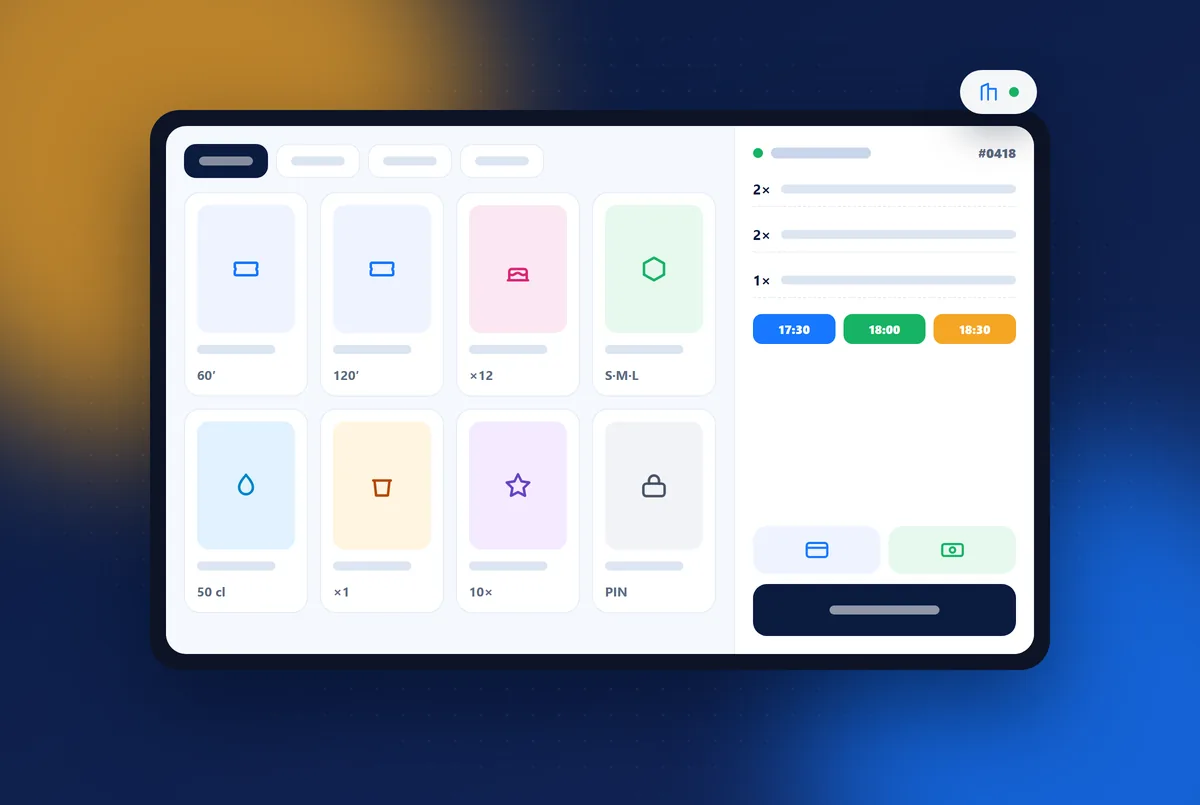
What a leisure centre POS system in Spain must do: capacity per session, online sales from one catalogue, Verifactu, TicketBAI and a buying test.
Read article →
How to design kids birthday party packages: what to include, three tiers, price per child, add-ons, the package page and mistakes that slow bookings.
Read article →7 days free with every feature. After that, from €99 a month + VAT with no lock-in: you only add the modules you need. Prefer to see it with us first? We’ll show you in 30 minutes.