Central catalogue
Common products and prices that each venue adapts.

You can change it at any time from the menu.
A shared central catalogue, each venue with its own shop, POS and team, purchasing sent from head office and an HQ view to see everything.
Also in: Multi-venue pack
Common products and prices that each venue adapts.
Each venue with its own link and products.
Each person sees only the venues they’re responsible for.
Each venue opens its own POS; head office sets the shared templates.
Venues place their orders and head office sends them to each supplier.
Time tracking, staff and permissions by venue; head office sees everyone.
Once you grow from one venue to two or three, it is easy to end up with duplicated catalogues, prices that don't match and staff logging into places they shouldn't. With Uelta, all your venues sit in the same account and you decide what is shared and what belongs to each site.
It suits groups running several trampoline parks, indoor playgrounds or family entertainment centres that want one way of working without taking autonomy away from each site.
The per-venue structure carries through the whole platform. On the point of sale, each venue has its own till, products and devices, with opening and closing recorded per person and per day. In team operations, incidents, maintenance, stock and the weekly supplier order are handled per venue with a full history. And the activity log always shows who made each change.
Yes. You set shared products and prices in the central catalogue and each venue adapts them to suit its own situation.
Yes. Every venue has its own public booking page with its own link and products, which you can add to that venue's website.
Only if you assign those venues to them. Each person sees just the venues allocated to them and works within the permissions of their role.
No. Each venue has its own till, products and devices on the point of sale, with opening and closing tracked per person and per day.
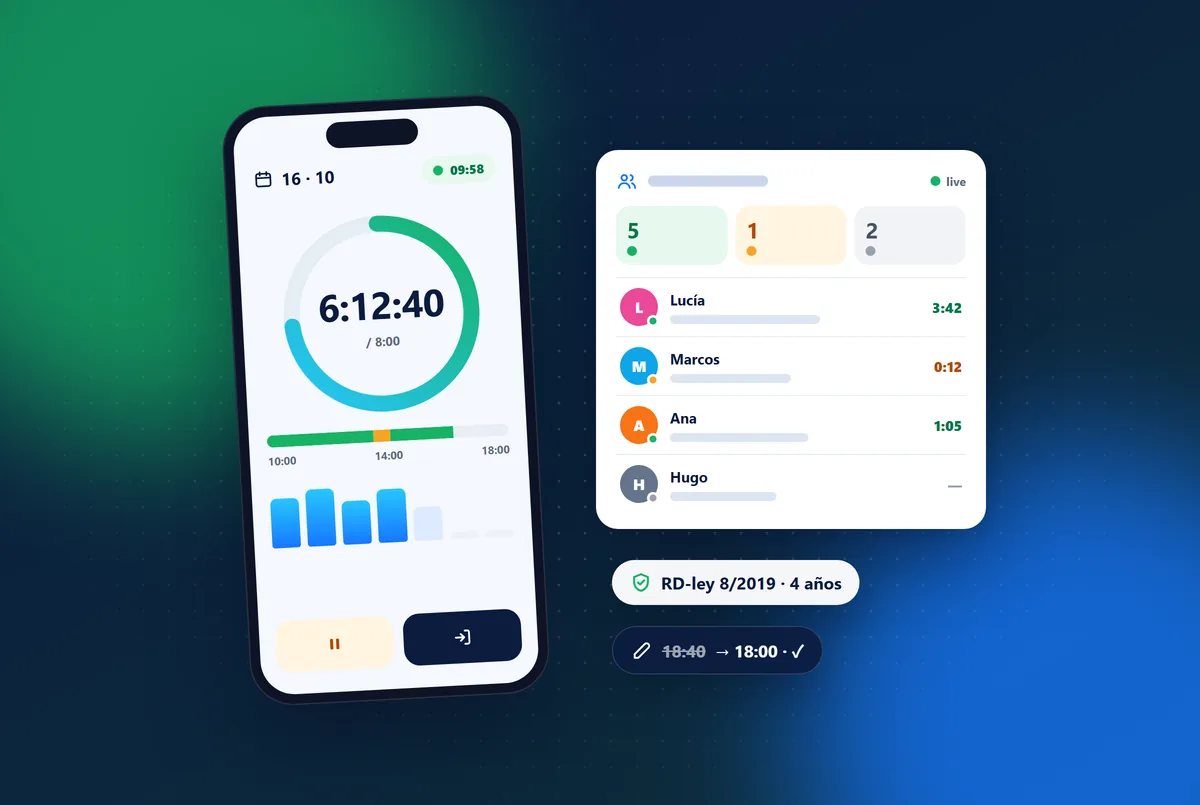
What Spain’s mandatory working-time record means for a leisure venue, the usual mistakes, and how staff can clock in from their phone across shifts.
Read article →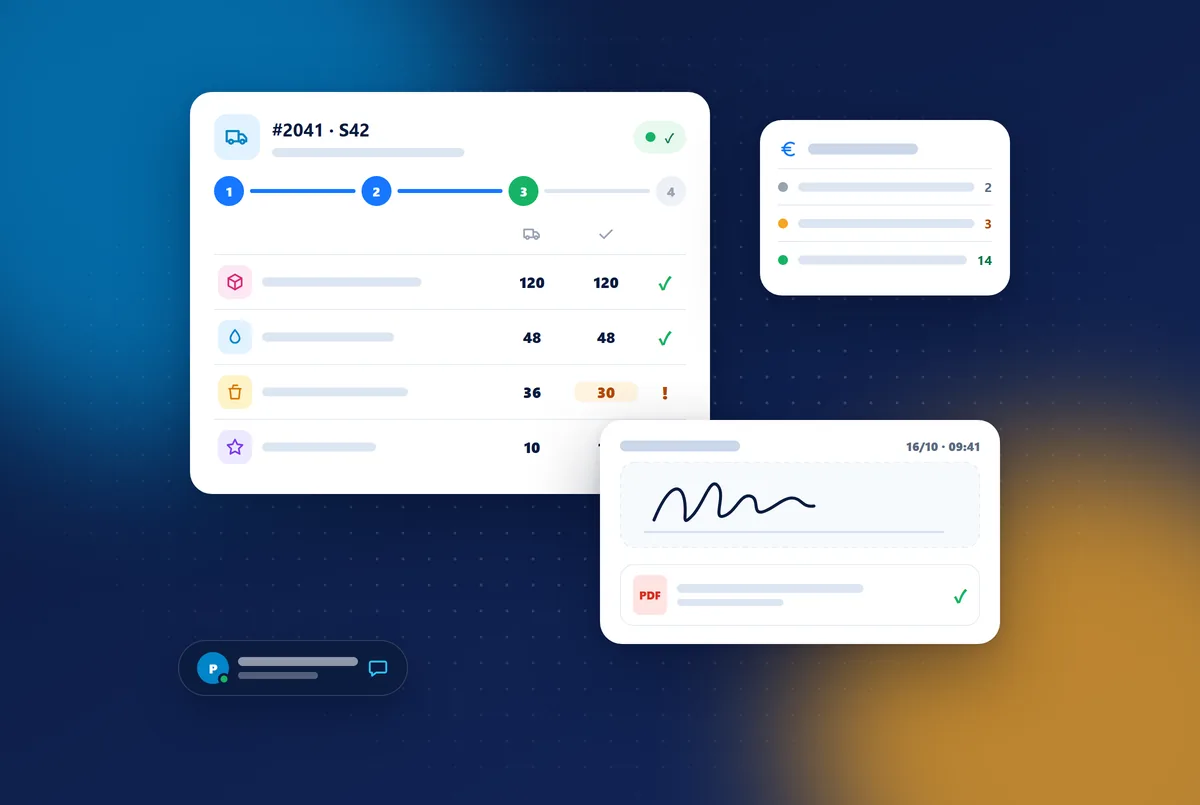
How to organise supplier orders at a leisure venue: a weekly order per venue, receiving with delivery note and signature, and paper-free invoices and payments.
Read article →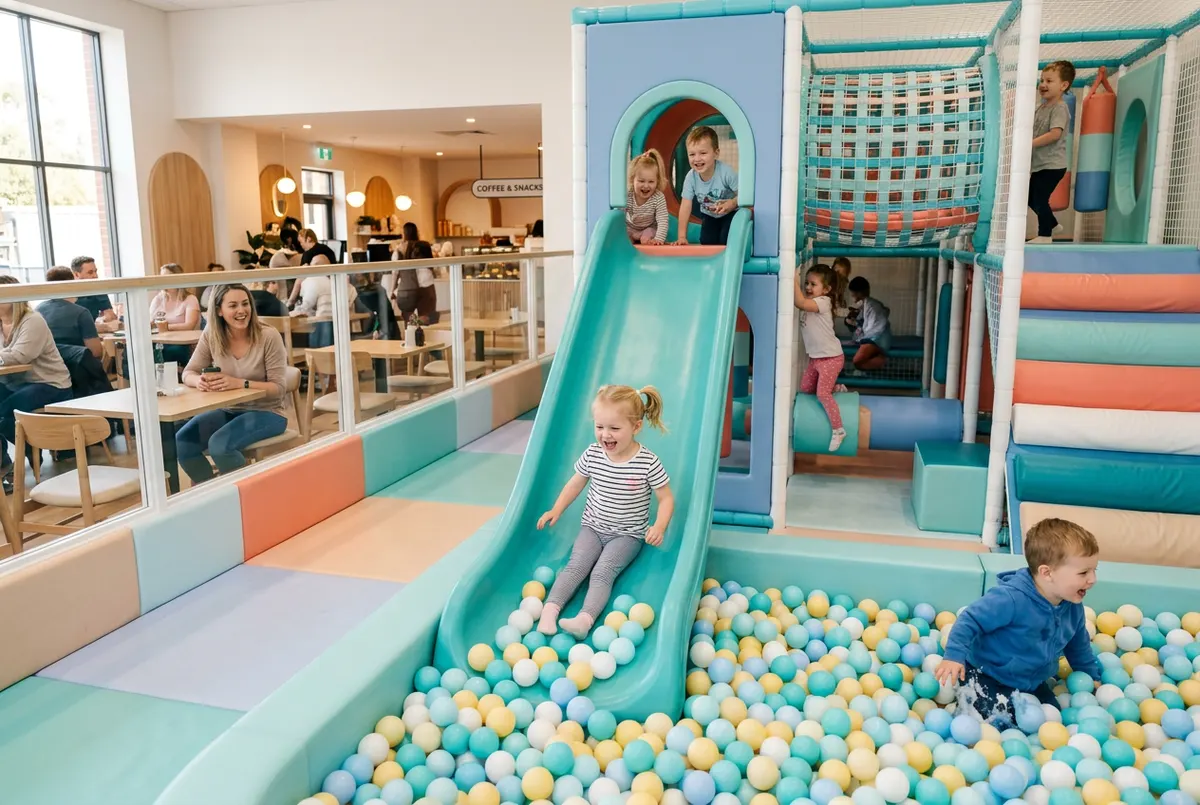
A daily indoor playground safety checklist: what to check before opening, during the day and at closing, and what to do when something fails.
Read article →7 days free with every feature. After that, from €99 a month + VAT with no lock-in: you only add the modules you need. Prefer to see it with us first? We’ll show you in 30 minutes.