Incidents
Reports with photos, statuses with notes, manager approval, customer signature and PDF.

You can change it at any time from the menu.
Incident reports with photos, maintenance from request to sign-off, customer complaints, invoicing and stock, all by venue and with history.
Also in: Pro packMulti-venue pack
Also in: Pro packMulti-venue pack
Also in: Park packPro packMulti-venue pack
Also in: Pro packMulti-venue pack
The real panel screen with sample data and, next to it, what your customer sees on their phone.
Demo with sample data: nothing is saved or downloaded.
Reports with photos, statuses with notes, manager approval, customer signature and PDF.
Request, acceptance, approval, repair, sign-off and closure, with photos, costs, materials and a conversation.
Log each complaint in seconds, with an owner, compensation and closing; and stats on what keeps happening.
An automatic invoice for every payment, at the till and online, with tax QR code and VERI*FACTU (Spain).
Stock by warehouse and low-stock alerts, linked to supplier orders.
Everyone sees and does only what they should, with an activity log.
Clock-in records for your team: start, breaks and finish from the phone, who is working now, corrections with a reason and CSV export.
Learn more Add-on: Staff, shifts and time tracking · Jobs and CVsA record for each team member, contracts, holidays and absences, documents and payslips, signed protocols, org chart and time tracking, by venue.
Learn more Add-on: Supplier orders · Stock and 3D warehouseA weekly order per venue, sent to each supplier from head office, goods received with a signature and delivery note, a supplier portal and payments due.
Learn moreTeam operations in Uelta bring everything that happens behind the front desk into the same dashboard. There is nothing to install: it runs in the browser on a computer, tablet or phone, so your staff can log things as they happen, right where they happen.
It is designed for trampoline parks, indoor playgrounds, family entertainment centres, climbing walls and party venues where several people share shifts, attractions and storage. A few ways to get the most from it:
Every team member has their own user and role, which determines what they can see and do, and the activity log records who made each change, just as every sale at the till is linked to the PIN of the person who rang it up. If you run more than one site, everything is organised by venue and each employee only sees their own; find out more on multi-venue management. And because staff and incident data is sensitive, it is worth reading about daily backups and role-based permissions on our security and GDPR page.
Yes. Each report captures the incident details, photos and the people involved, and is tracked by status until it is closed.
Yes. Stock is kept per storeroom, you prepare a weekly order for each venue, log urgent purchases and receive deliveries with a signature.
Yes. You assign each person their venues and a role with the right permissions, and an activity log shows who made each change.
Yes. You get a jobs page for your vacancies, and applications with CVs arrive directly in Uelta.
No. Uelta runs in the browser on computers, tablets and phones.
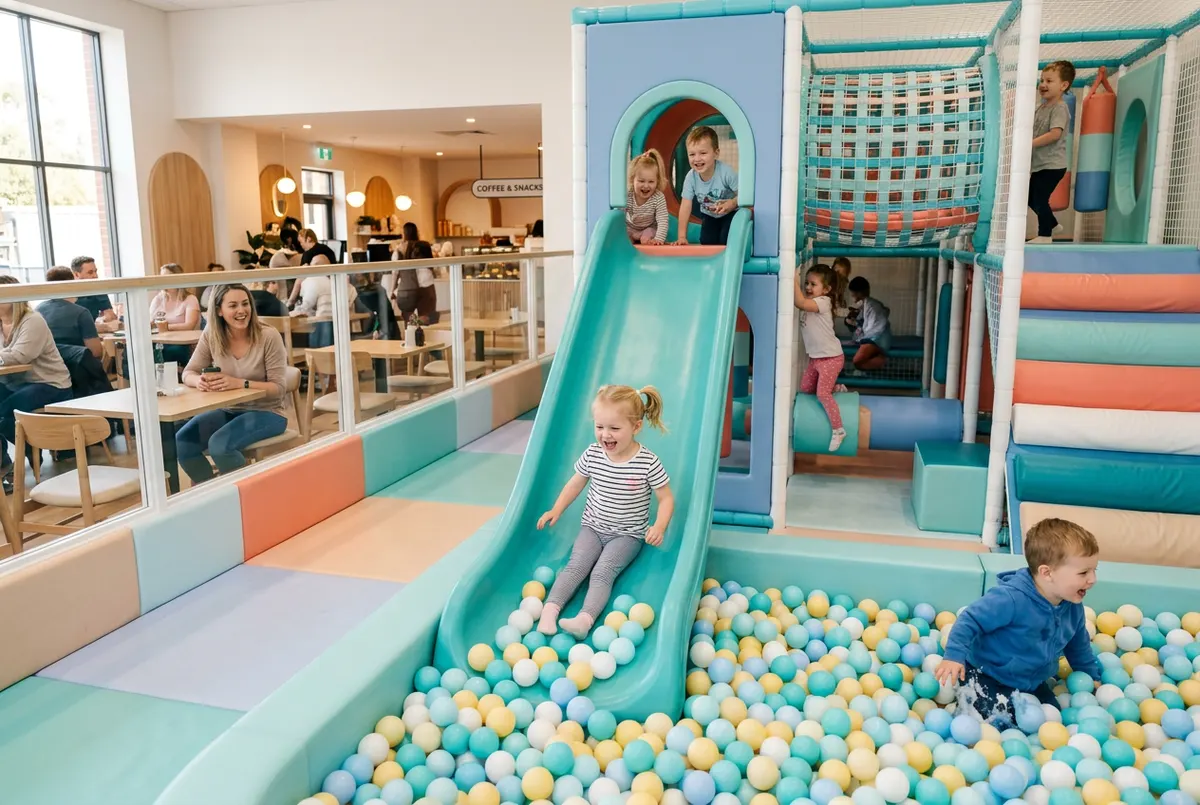
A daily indoor playground safety checklist: what to check before opening, during the day and at closing, and what to do when something fails.
Read article →
A practical checklist of trampoline park safety rules: jumper rules, daily opening checks, marshals, capacity and signed waivers before anyone jumps.
Read article →
How to run an incident log at a trampoline park: what to record, photos, signatures, step-by-step maintenance and the mistakes to avoid.
Read article →7 days free with every feature. After that, from €99 a month + VAT with no lock-in: you only add the modules you need. Prefer to see it with us first? We’ll show you in 30 minutes.