A code per pass
Each pass has its own code and is sent by email.

You can change it at any time from the menu.
Multi-entry passes bought online or at the counter. Each visit deducts one use and the customer sees how many they have left.
Included in the Basic plan · 99 €/month + VAT
See prices and packsEach pass has its own code and is sent by email.
Look up the code and the visit is deducted.
Customers see their passes and what they have left.
A pass is simply another product in your catalogue, so you create and sell it just like a session ticket or a birthday party. Here is the full journey:
Passes work for any venue with regulars: the climber who comes several times a week, the family who visit the soft play every weekend or the group of friends who keep returning to a trampoline park. At climbing gyms, for instance, a bundle of entries is one of the most natural ways to pay.
The pass does not sit on its own. Visits are deducted on the same POS you use for tickets and add-ons, and the pass appears on the customer record next to their bookings, till purchases, signed waivers and points. Whoever is on the desk has the customer's details in one place.
If you also want to reward loyalty, combine it with the points club and visit pass: a multi-visit pass is prepaid entry, whereas the visit pass adds a stamp for each day the customer comes and unlocks rewards. They are two different tools that work well together.
No. They receive their pass code by email and can see their passes and remaining visits in their online shop account, using their phone's browser.
Yes. When you create the product you decide whether it is sold in the online shop, on the POS or in both places.
Your team looks up the pass code on the POS and deducts the visit. The customer can then see in their account how many visits they have left.
A multi-visit pass is a bundle of entries paid in advance and used up with each visit. The visit pass is part of the loyalty club: it adds a stamp for every day the customer comes and unlocks the rewards you set.
On their customer record, together with their bookings, till purchases, signed documents and points.
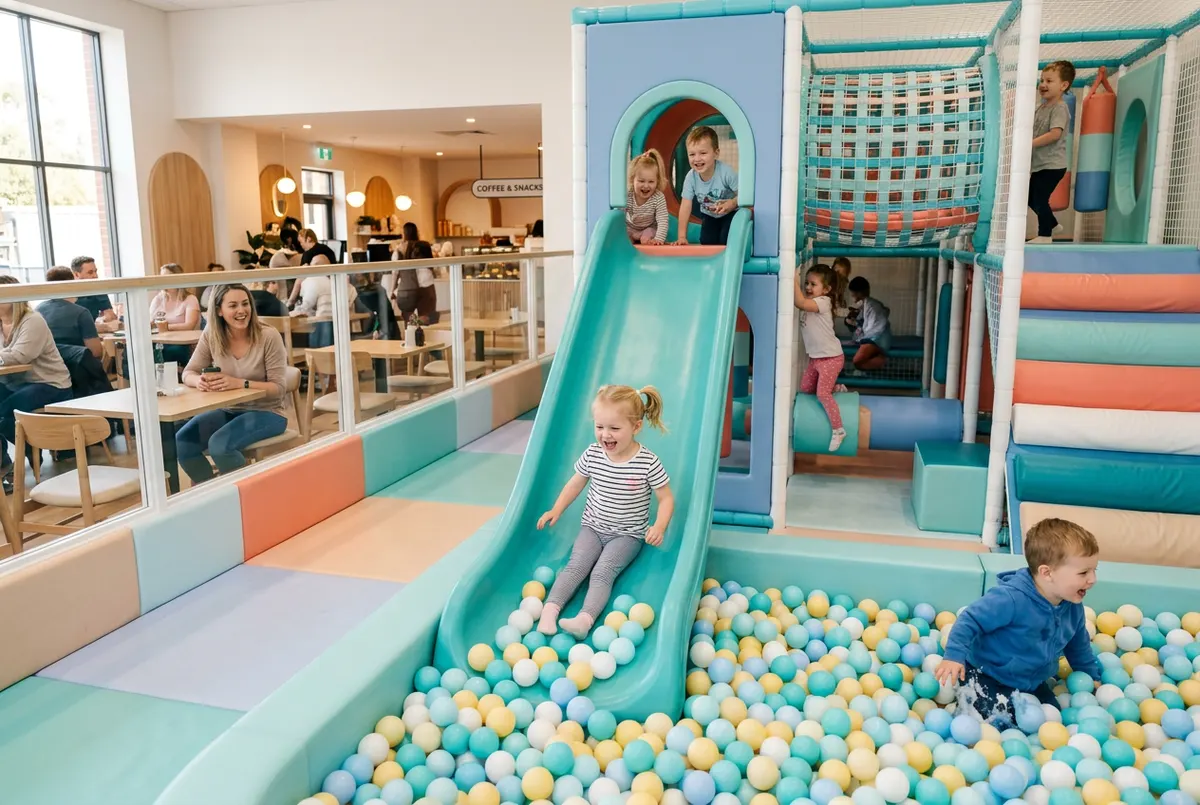
Points club, referral codes, visit passes and multi-visit passes: practical ideas to bring families back to your leisure venue again and again.
Read article →
Uelta is booking, POS and birthday party software for trampoline parks, soft play and leisure venues. Key features, languages and a 7-day free trial.
Read article →
How to write a trampoline park business plan: market, location, session revenue, opening and running costs, risks and a checklist before you open.
Read article →7 days free with every feature. After that, from €99 a month + VAT with no lock-in: you only add the modules you need. Prefer to see it with us first? We’ll show you in 30 minutes.