
Choosing booking and EPOS software for your venue
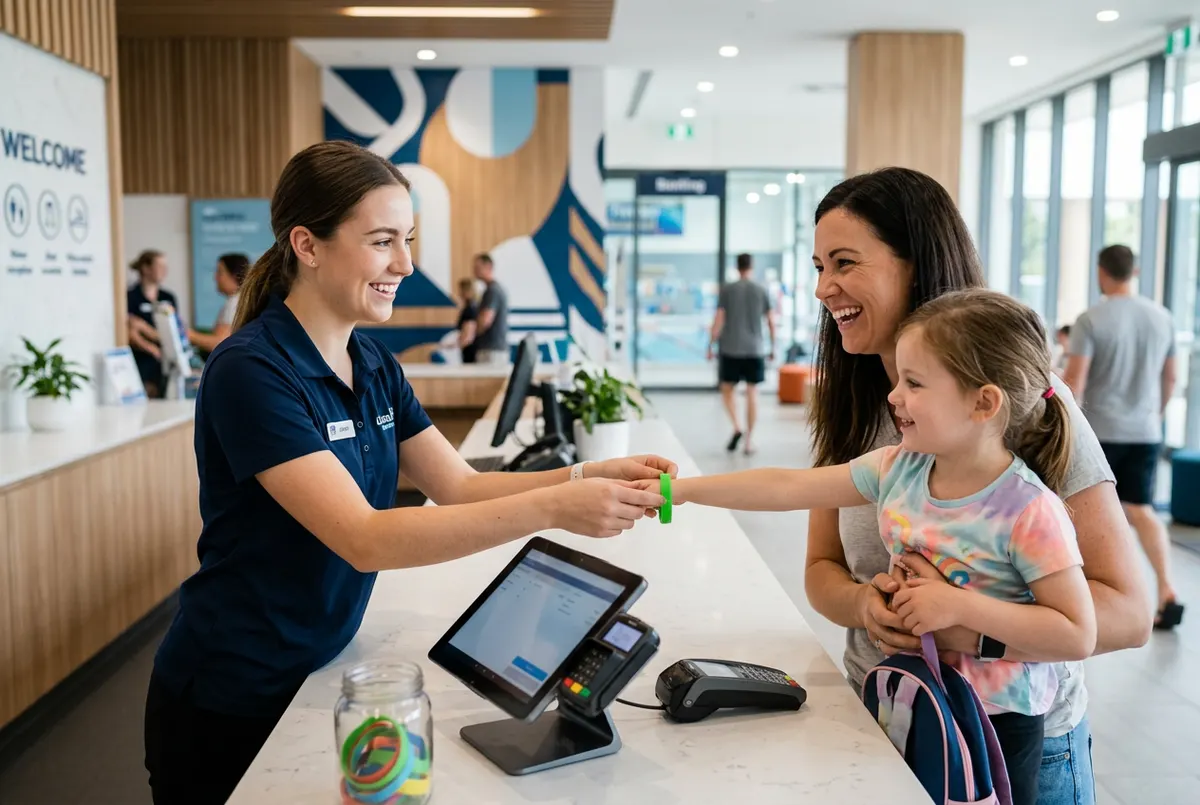
Choosing the software you'll use to sell tickets, take payments at the front desk and manage your customers is one of the decisions that most affects day-to-day life at a leisure venue. A good system goes unnoticed: bookings come in, the till balances and the team works calmly. A poor choice shows up every weekend as queues, double bookings and spreadsheets plugging the gaps.
This checklist helps you compare options properly, whether you're opening a new venue or switching systems. Not everything needs to be perfect on day one, but the essentials must be covered.
Start with how your venue actually works
Before you sit through any demos, write down how your venue sells and operates today. It will help you ask the right questions and avoid being dazzled by features you'll never use.
- Do you sell fixed-length sessions, open entry or both?
- How important are birthday parties, school groups and multi-visit passes?
- Do you have zones or attractions with their own capacity?
- How many tills do you need, and on which devices?
- Do customers need to sign a waiver before they go in?
- Do you have, or plan to have, more than one site?
Online booking: the essentials
Your online shop is the front desk that never closes. Check that the system covers at least the following:
- Real sessions and capacity: each product with its own times, duration and places, and a calendar that only shows what's available.
- Extras at the right moment: grip socks, drinks or party food offered during checkout.
- Flexible pricing: different prices by day or time, special dates and discount codes.
- Your brand: your logo, colours and wording, and the option to embed booking in your own website rather than sending people to an unfamiliar page.
- Automatic confirmation: an email with the details and anything still to do, such as signing a waiver.
- Customer self-service: customers can check their booking and, if you allow it, change the date without phoning you.
- Built for mobile: most families will book on their phone.
Till and front desk: speed when there's a queue
Your till is put to the test at five o'clock on a Saturday afternoon. In a demo, ask to see a complete sale done under pressure, not just a nice-looking screen.
- No complicated installation: running in the browser on a tablet or computer makes life much easier.
- Today's bookings on the same screen: search by name or reference and check people in without switching programs.
- Waiver status: see at a glance who still needs to sign.
- Cash-up by person and by day: opening, closing, movements and discrepancies.
- Staff PINs: so you know who made each sale.
- Works with your card terminal: take card payments on your physical terminal and record them on the till.
Online payments: where your money goes
This point is often overlooked and makes a real difference. Always ask:
- Does booking money go straight into your account, or through the provider first?
- Can you use your own bank's payment gateway?
- Is there a commission per sale on top of bank charges?
- Can you test payments in test mode before going live?
- Is a booking only confirmed once payment has been received?
Customers, data and security
Over time your customer base becomes one of your venue's most valuable assets. Make sure the system looks after it and that it stays yours.
- One record per customer: with their bookings, purchases, waivers and the children in their care.
- Roles and permissions: each member of staff sees only what they need.
- Activity log: who changed what.
- Backups: automatic and frequent.
- GDPR tools: consents, marketing unsubscribes and a data processing agreement.
- A clear exit: how you export your data if you ever decide to leave.
While you're at it, ask about reporting. As a minimum you should be able to see today's sales, number of transactions, average spend and bookings as soon as you log in, plus sales by hour and by payment method. If you run more than one site, check whether each venue can have its own till, shop and staff while you still see the whole picture from head office.
Contract, onboarding and support
The best software is no use if it takes months to set up or ties you into a contract that doesn't suit you.
- A real trial: use it for a few days with your own products before deciding.
- Minimum term: whether there is one, how long, and what happens if you want to cancel.
- Pay for what you use: you shouldn't have to pay for features you don't need.
- Guided setup: how long it takes from signing up to taking your first booking.
- Approachable support: in your language, from people who understand leisure venues.
- Ongoing improvements: whether the product keeps evolving, and how often.
One last tip for the demo: bring two or three real situations from your venue, such as a party that needs to move date or a school group, and ask to see them handled live.
How Uelta fits this checklist
Uelta brings together an online booking shop with sessions, capacity, extras, discount codes and your branding, and a browser-based till with today's bookings, waiver status, cash-up by session and staff PINs. Online payments go through your own Redsys virtual terminal, with a test mode included, and Uelta charges no commission per sale. You get roles and permissions, an activity log and daily backups, and if you leave you can export your data.
It's a monthly subscription with no minimum term, and you only pay for the features you use. To see it with your own products, book a 30-minute demo, or if you'd rather explore on your own, start your 7-day free trial.