When to migrate leisure venue management software
It is time to migrate your leisure venue management software when the current program no longer receives security updates, depends on a single computer or stops you selling online. An old PHP system installed on a local PC builds up quiet risks; a well-chosen cloud platform reduces them, provided you plan the move in stages and during a quiet season.
Why old, locally installed software is a risk
Many soft play centres and trampoline parks started with a program written by a friend or bought years ago. It went onto the reception PC, it worked and nobody touched it again. Age is not the problem; lack of maintenance is. These are the usual risks:
- Unsupported PHP and server versions. Once patches stop, newly discovered flaws are never fixed. The same goes for the database and the operating system.
- A single point of failure. If the drive dies, the PC gets wet or someone walks off with it, your bookings, sold passes and customer records go too.
- Backups that do not protect you. A USB stick in the same drawer will not survive a break-in, a fire or ransomware that encrypts everything connected.
- Improvised remote access. Opening ports or installing remote desktop software with a weak password to check takings from home is a classic way in.
- One password for everyone. Without individual users, you cannot tell who voided a sale or who exported the customer list.
- Card numbers stored where they should not be. Some older systems kept them in the database or in notes fields. Check for them and delete them.
- Dependence on one person. If the developer stops answering, changing a price or a VAT rate becomes a headache.
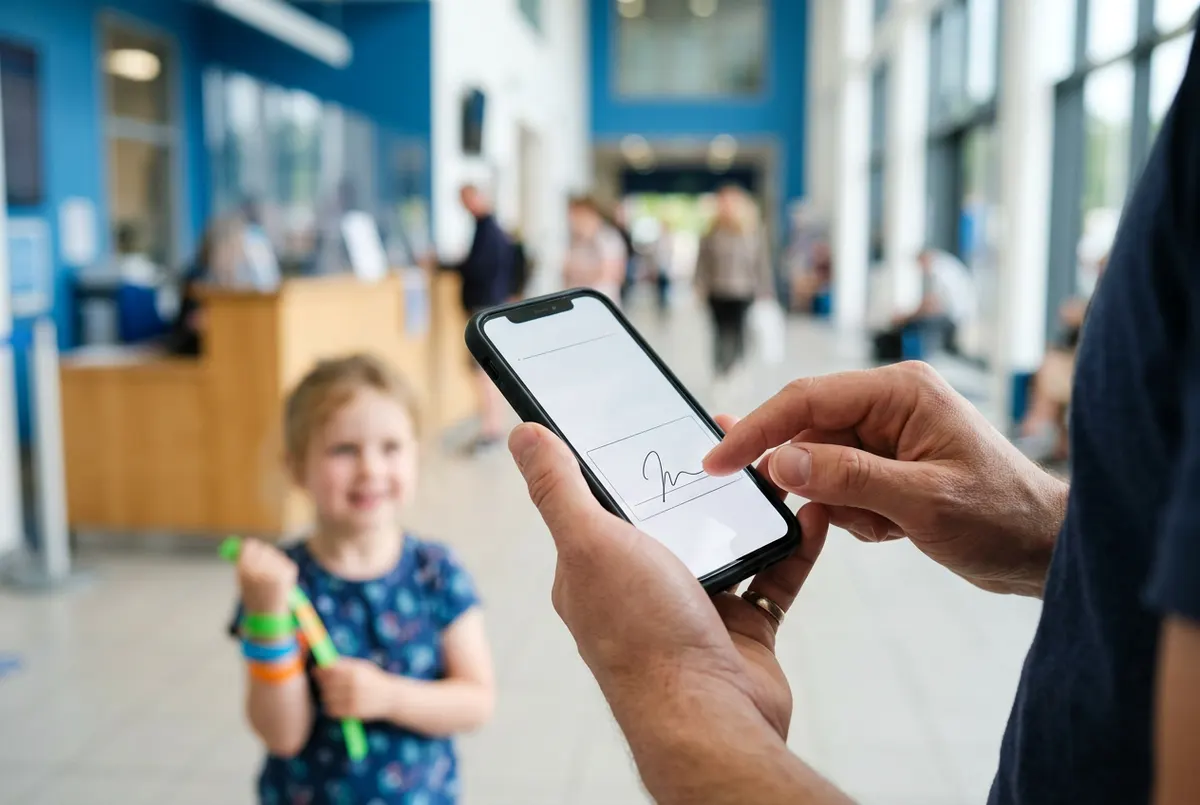
There is a business cost too: a local program sits badly with online sales and waivers signed on a phone. It shows most in a trampoline park, where every jumper needs a signed waiver before going in, or an indoor playground that depends on weekend parties.
Signs it is time to migrate your leisure venue management software
If you tick three or more of these, migration belongs in this year's plan:
- Nobody knows which PHP or database version the program runs on, or you know it is out of support.
- Backups are done by hand and nobody has ever tested a restore.
- The program runs on one specific computer and, if it fails, reception goes back to paper.
- Online bookings arrive by form, email or WhatsApp and someone retypes them.
- Waivers are signed on paper and filed in folders.
- You have to be on site to see the day's takings.
- Opening a second venue would mean copying the program and reconciling two databases.
Decide before a busy season, not during it: switching systems at the height of party season is asking for trouble.
What data to bring across and what to leave behind
Copying everything is usually a mistake: years of messy data multiply the work and the risk. Separate what you need to trade tomorrow from what you only have to keep.
- Essential: future bookings, passes with visits remaining, gift card or account balances, and the catalogue with prices, VAT and opening hours.
- Useful if clean: customer records with email and documented marketing consent. If you do not know how consent was collected, do not use it for campaigns.
- Archive, do not import: sales history and invoices, exported and stored securely.
- Delete: duplicates, empty records and any stored card data.
Retention periods and the lawful basis for handling data about customers and children depend on your situation, so confirm them with your legal adviser or accountant before migrating.
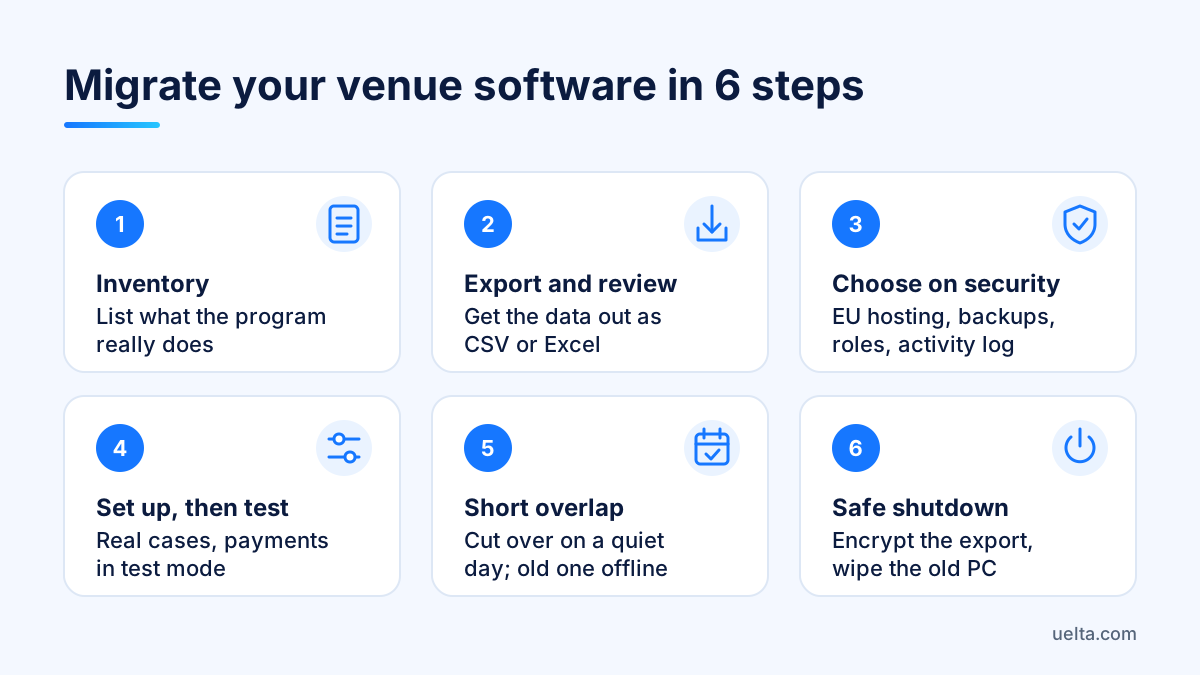
A seven-step migration plan
- Inventory. List what the program does today: admissions, bookings, passes, parties, till close, reports. Ask reception what they actually use.
- Export and review. Get the data out as CSV or Excel. If the program cannot export, find technical help early: it is the usual bottleneck.
- Choose on security criteria. Ask where data is hosted (inside the EU?), how often it is backed up, whether there are role-based permissions and an activity log, where customers enter their card when paying online and how you get your data back if you leave.
- Set up before loading. Opening hours, capacity, products, day-based prices and documents to sign. With solid foundations, the data slots in without forcing it.
- Test real scenarios. Make an online booking, check it in at the desk, redeem a pass, cancel another booking and close the till, with payments in test mode.
- Short overlap. Pick a quiet day for cut-over. From then on everything new goes into the new system; the old one stays for look-ups only, offline.
- Safe shutdown. Store the final export encrypted, securely wipe the old machine's drives and close any remote access and passwords left open.
Mistakes to avoid
- Skipping staff training. An hour on the new till before the first Saturday prevents queues and cash discrepancies.
- Forgetting live passes. A customer with visits left who cannot be found is a guaranteed complaint. Reconcile balances on cut-over day.
- Changing prices and system at once. You will not know whether a till difference comes from the system or the pricing.
- Leaving the old program running just in case. It stays vulnerable even if nobody uses it.
- Not telling customers. If your booking link changes, update your website, Google listing and social profiles, and explain at reception how waivers work now.
Frequently asked questions
Is it dangerous to keep using old PHP management software?
If the PHP version, database or operating system no longer get security updates, known flaws stay open. The risk grows if the machine is online or reachable remotely.
How long does it take to migrate to cloud software?
It depends on how much data you have and how tidy it is. Basic setup can take a few days; exporting and cleaning the old data usually takes longest.
Will I lose my customer data when I switch?
Not if you export it first and decide what to move. Keep an encrypted final copy and check with your legal adviser which data you may keep using, and for how long.
Is the cloud safer than a server at the venue?
Not automatically, but a good provider offers daily backups, updates and access control that a reception PC rarely has. Always ask where data is hosted and how it is protected.
How Uelta helps
Uelta runs in the browser on a computer, tablet or phone with nothing to install, so there is no server to maintain at the venue.
- Security: daily backups, EU servers with encrypted connections, role-based permissions and an activity log (see Security and GDPR).
- Online booking: a branded shop, sessions with capacity limits and payment through your own Redsys virtual POS; cards are entered on the Redsys page, never in Uelta, and test mode lets you rehearse without charging anyone.
- POS and till: browser-based, with a PIN per employee, till opening and closing, and the day's bookings on the same screen.
- Digital waivers, an optional module: signed on a phone, a PDF copy for each person and a record of which version they signed.
Uelta costs 99 € a month + VAT with no long-term contract, including online booking, ticket sales at the desk and online, and birthday parties; everything else is an optional module. The welcome guide sets up the dashboard for your type of venue, we can help you load your catalogue, and if you ever leave you can request an export of your data. Start your 7-day free trial with every feature and build your venue in parallel before switching the old system off.