Checklist for opening a soft play or trampoline park

Opening a soft play centre or trampoline park is an exciting project, and also an endless list of decisions. The building, the fit-out and the equipment take up most of your attention, which is only natural. But there's another, equally important part that often gets left until the last month: how you'll sell, take payments, organise your team and look after families from day one.
This checklist focuses on that operational and software side. It doesn't replace advice on licences, insurance or regulations, which depend on your local authority and your type of activity: always check local regulations and speak to professionals in your area. What it will do is help you reach opening day with your operation ready.
Define your offer before you open
Before you set up any system, decide what you're going to sell and to whom. The clearer you are, the easier everything else becomes.
- Main audience: ages, families, school groups, teenagers, adults.
- Ticket types: timed sessions (60, 90 or 120 minutes), open entry or both.
- Birthday parties: how many packages, what's included, which rooms and what food.
- Groups: schools, holiday clubs and companies, with their own terms.
- Multi-visit passes: several visits paid in advance for regulars.
- Extras: grip socks, drinks, extra time.
- Opening hours: weekdays, weekends, bank holidays and school holidays.
- Prices by day and time: most venues distinguish between weekdays and weekends.
Capacity, zones and how families move around
Your building's maximum occupancy is set by your licence and the applicable regulations. Within that limit, you decide how to spread people out so the experience is safe and enjoyable.
- Set the capacity of each zone or attraction, not just the building.
- Decide how many people per session your team can look after properly.
- Plan the route: entrance, reception, shoe area, lockers, play area and exit.
- Leave enough room at reception so the queue doesn't block the door.
- Think about where adults wait and where parties take place.
Rules, documents and safety
Your rules of use and the documents customers will sign should be prepared in good time and reviewed with an adviser, together with your insurance.
- Rules of use: clear, displayed in the venue and available online.
- Waiver: what is signed, who signs for children and how it's stored.
- Data protection: privacy notices, separate consents and agreements with your software providers.
- Maintenance checks: a schedule of inspections for attractions and equipment, with a record of each one.
- Incidents: a procedure for logging any incident, with photos and the people involved.
Your team and day-to-day processes
A good team with clear processes makes all the difference in the first few months, when everything is new for everyone.
- Define roles: front desk, floor staff, party hosts, cleaning, maintenance and duty manager.
- Write opening and closing checklists: safety checks, cash, cleaning and equipment.
- Decide how the till is opened and cashed up, and who is responsible for discrepancies.
- Give each person their own login, with permissions to match their role.
- Agree how holiday, equipment and stock requests are handled.
- Train staff on real situations before you open: a party, a queue, a child who can't find their family.
Software and online sales from day one
Don't leave software until the final week. Some parts depend on third parties and take longer than you'd expect.
- Ask your bank for a virtual payment terminal early: it's what lets you take payments online, and setting it up can take time.
- Set up the venue: opening hours, time zone, languages and capacity per resource.
- Create your products: tickets, parties, passes and extras, with their sessions and prices.
- Brand your shop: logo, colours, wording and photos of your venue.
- Check your automatic emails: confirmation, reminders and the link to sign.
- Test payments in test mode: make test bookings from start to finish before going live.
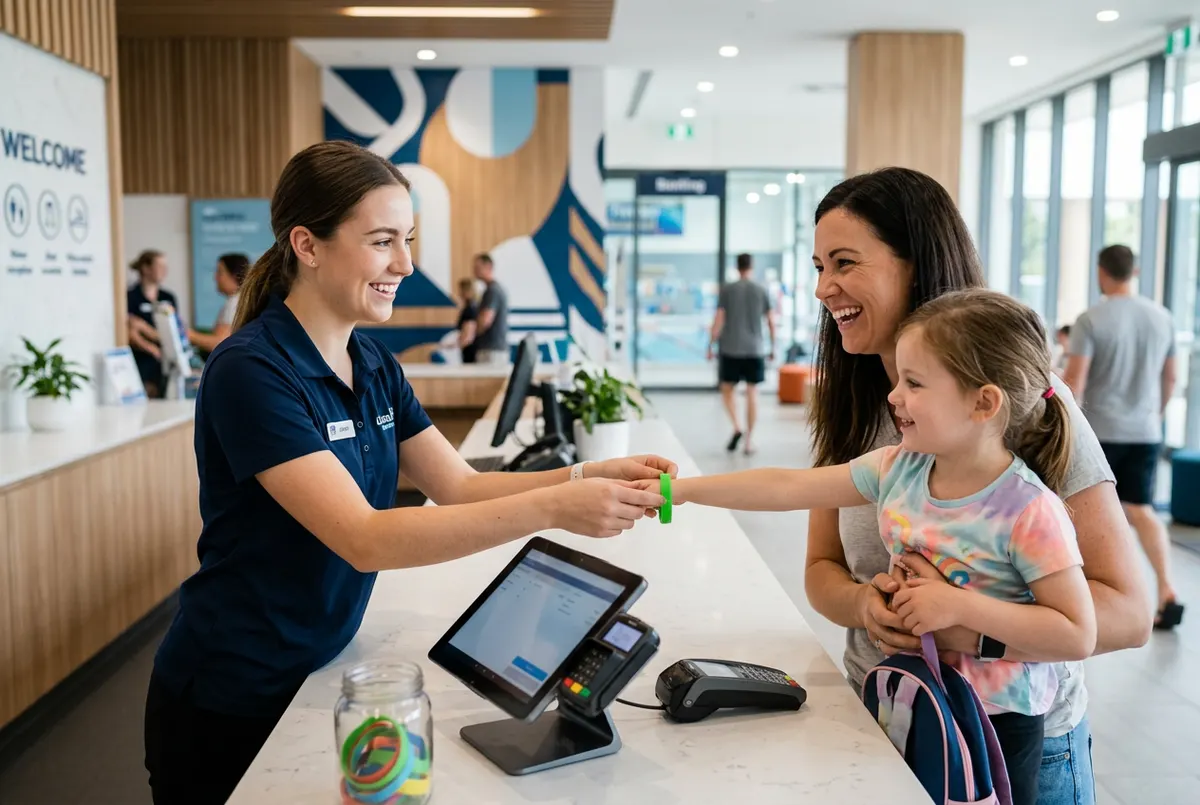
- Set up the front desk: tablet or computer, card terminal, a printer if you need one and a reliable connection.
The weeks before opening day
The final weeks are for building excitement and rehearsing.
- Open your online shop early to sell the first sessions and parties.
- Complete your Google listing with opening hours, photos and the booking link.
- Share progress on social media and announce your opening date.
- Hold a trial day with friends and families before opening to the public.
- Gather their feedback and adjust what's needed: signage, timings, the route through the venue.
And don't forget the first month after opening. That's the time to look calmly at the numbers: which sessions sell out and which don't, which party packages are most popular, how long each transaction takes at reception and which questions families keep asking. Set aside some time each week with your team to go through these points and make small adjustments. The venues that get off to the best start aren't the ones that had everything perfect on day one, but the ones that quickly fix whatever isn't working.
How Uelta helps
Uelta is built for venues like yours, as you can see on Uelta for indoor playgrounds and Uelta for trampoline parks. When you first log in, the welcome guide suggests your opening hours, your first product and the features for your type of venue. From there you set up the online shop, the till, birthday parties, digital waivers and wristbands, and connect your Redsys virtual terminal with a test mode to check payments before you open.
For running the venue you have incident reports with photos, scheduled maintenance, staff requests, stock and supplier orders, and users with roles and permissions. You can see everything on all Uelta features.
If you're preparing to open, start your 7-day free trial and set up your venue in Uelta while the fit-out is finished.